
LOW BATTERY?
Powerbank rental service
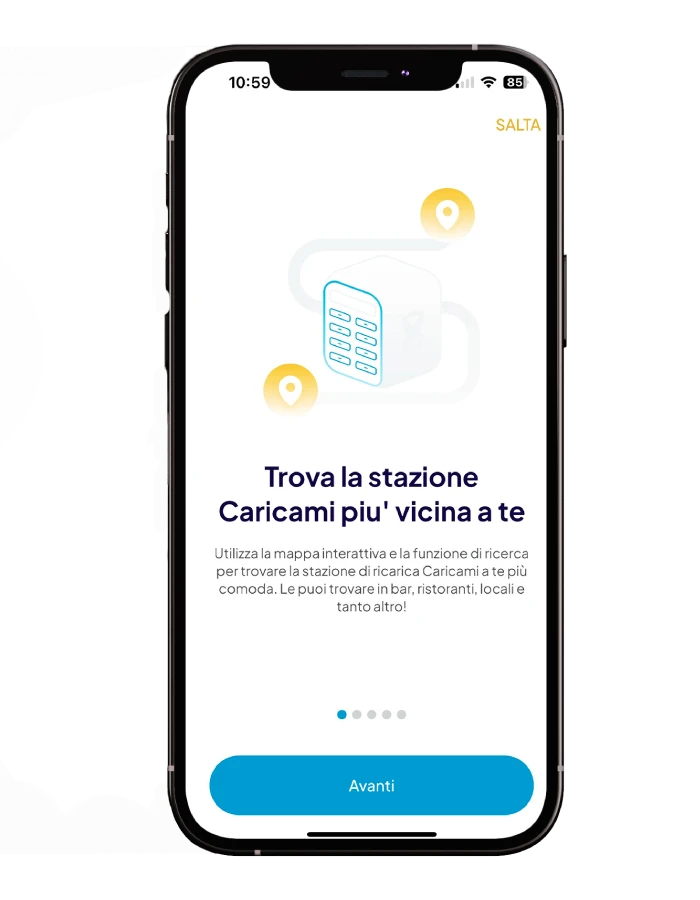
Caricami is the innovative powerbank rental service that allows you to rent a powerbank and recharge on the go wherever you are. We’re in your favorite places, download the Caricami app and find the nearest mobile phone charging station to you!
How does the powerbank rental service work?

SCAN. CHARGE. RETURN.
Forgot your charger at home? The last available socket has been taken? Forget about battery anxiety with Caricami powerbank rental service: just rent a powerbank inside your favorite venue to always be at 100%.
1
SIGN UP
Are you at 100%? Just return the powerbank to any of our stations to end your rental.
2
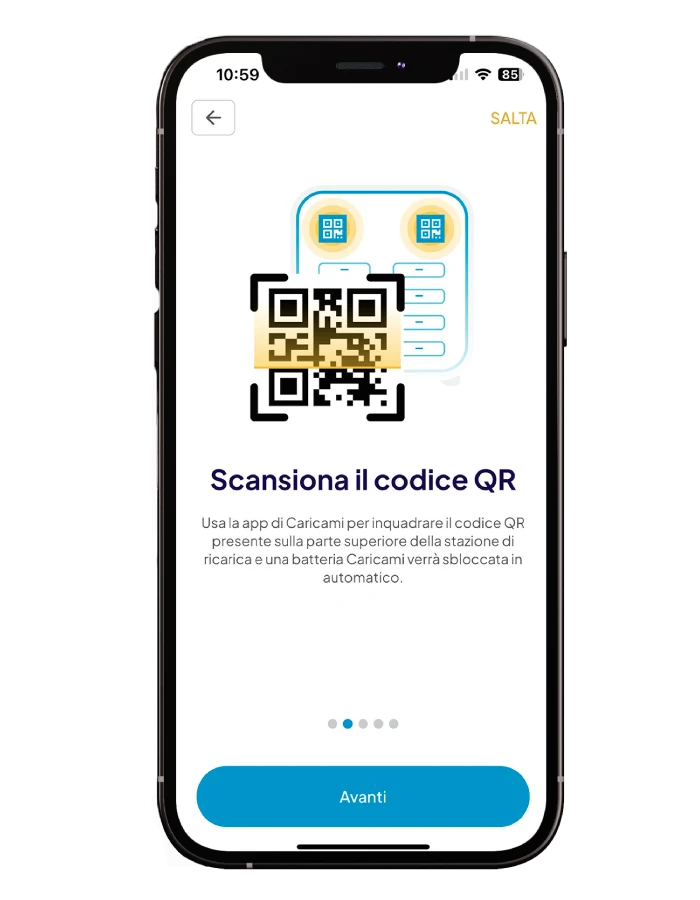
Scan the QR code
Use the app to scan the QR code located on our station and automatically unlock a powerbank.
3
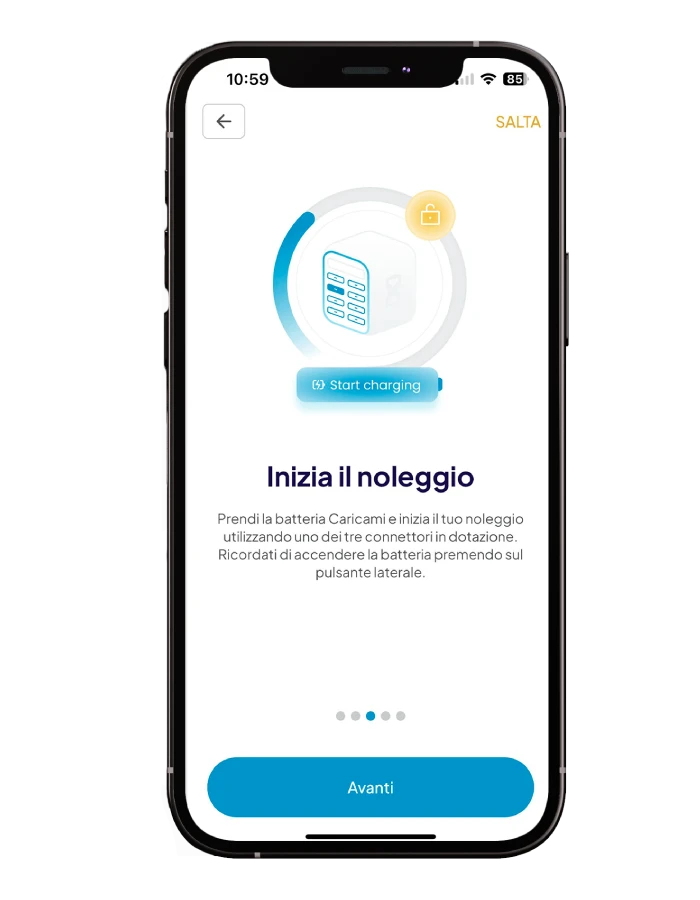
Charge on the go
Our powerbank comes with a lightning cable, USB-C cable and Micro-USB cable, being compatible with all types of phones.
4
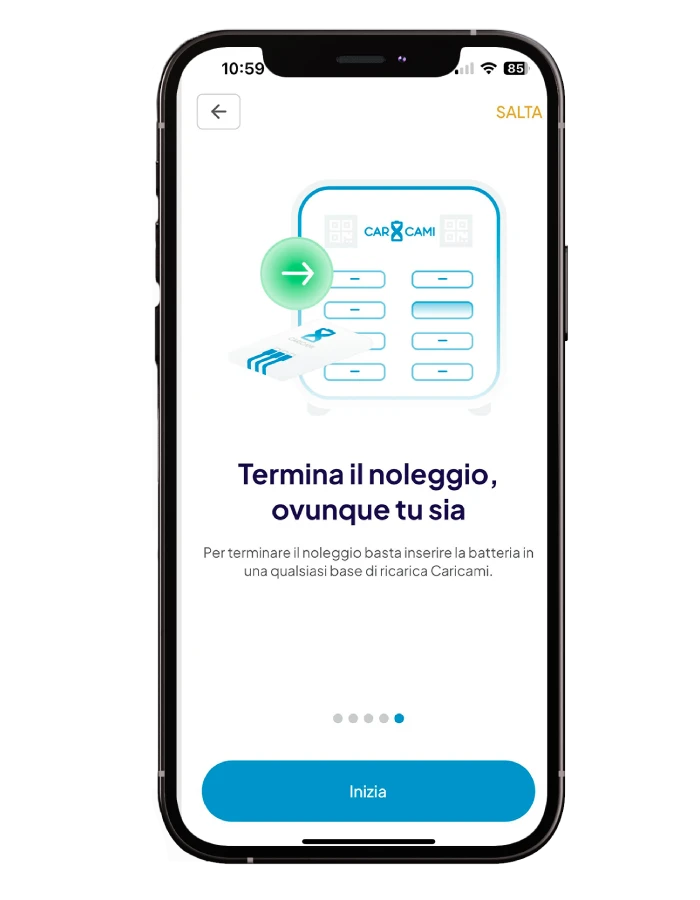
Return wherever you are
Are you at 100%? Just return the powerbank to any of our stations to end your rental.
1
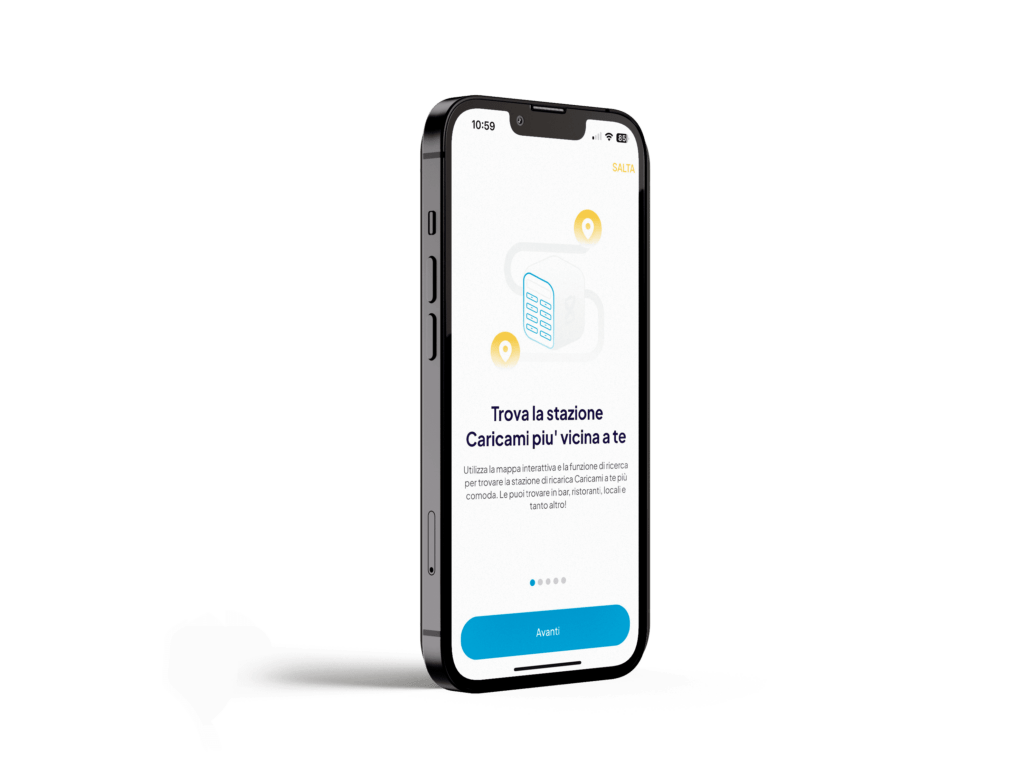
SIGN UP
Download the Caricami app and find the nearest Caricami phone charging station.
2
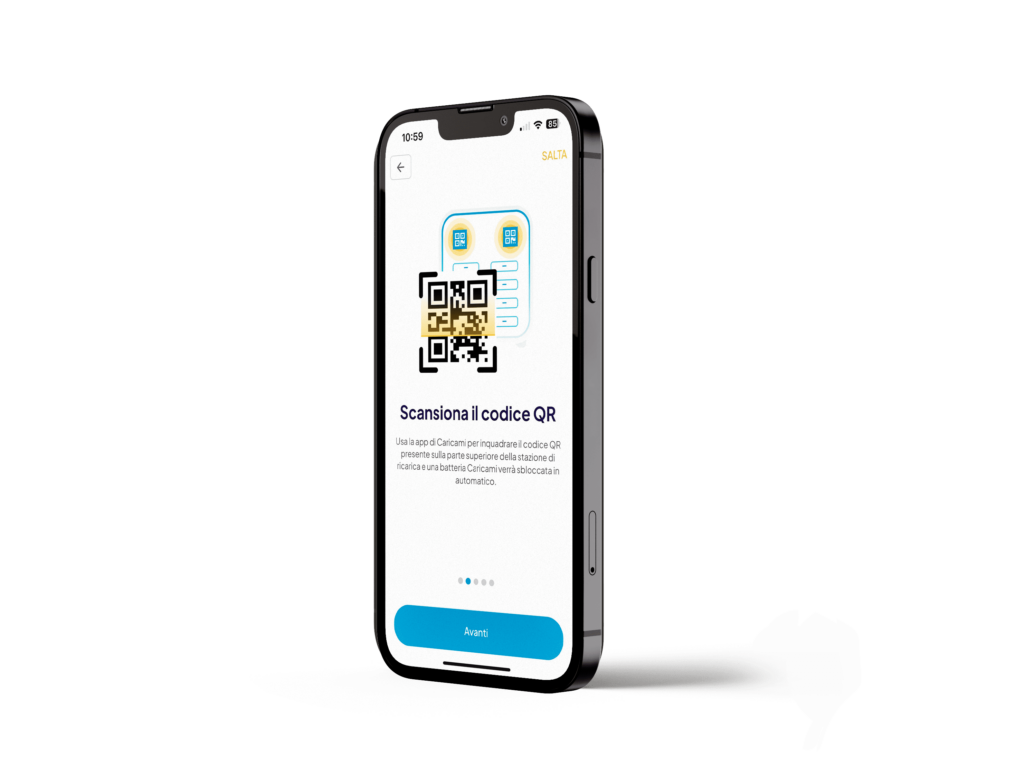
Scan the QR code
Use the app to scan the QR code located on our station and automatically unlock a powerbank.
3
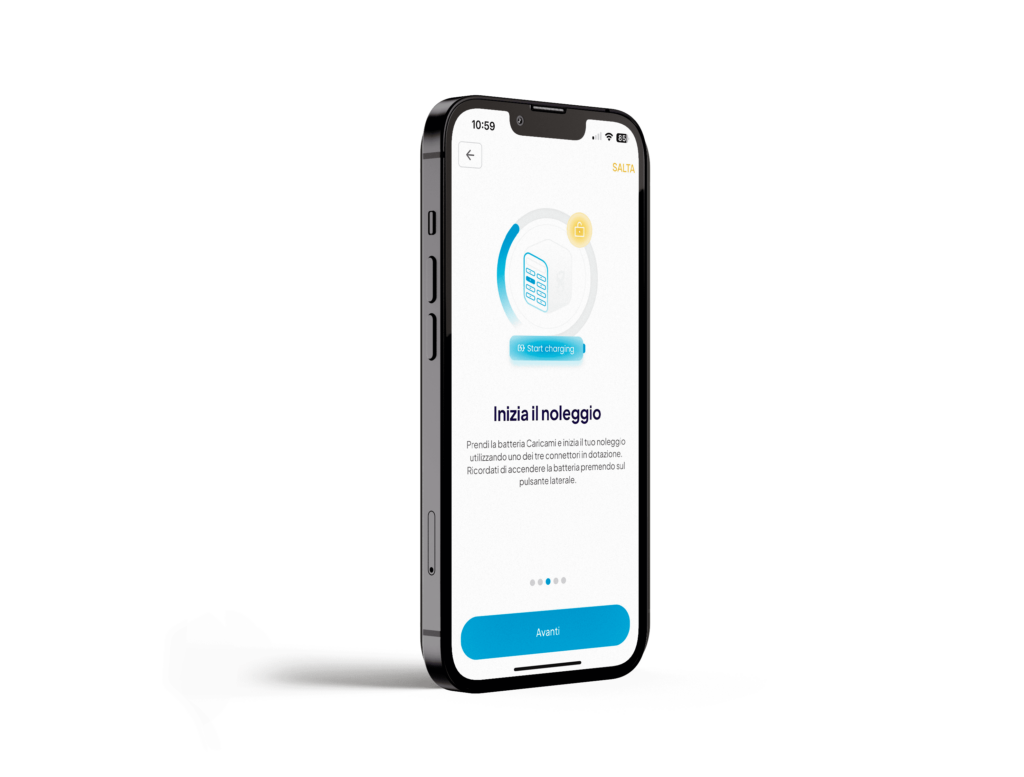
Charge on the go
Our powerbank comes with a lightning cable, USB-C cable and Micro-USB cable, being compatible with all types of phones.
4
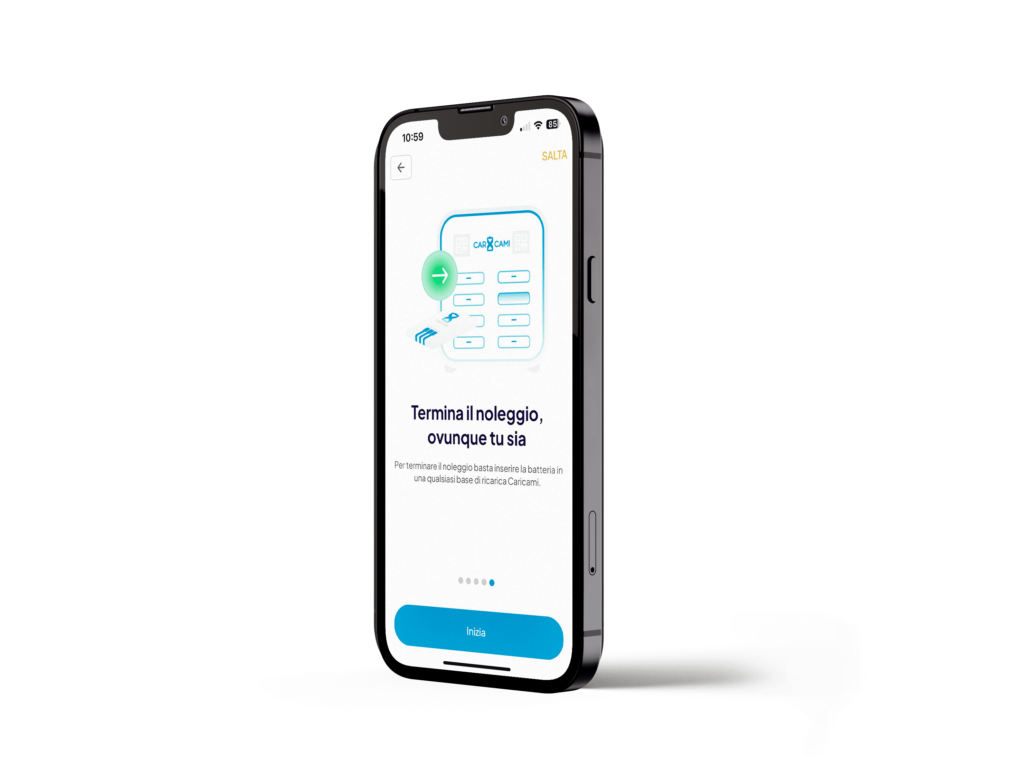
Return wherever you are
Are you at 100%? Just return the powerbank to any of our stations to end your rental.
Caricami in action
Ready to get charged?
Caricami powerbank rental service is quick and intuitive, allowing you to recharge your device wherever you are. With just a few simple and fast steps, you’ll be ready to free yourself from the anxiety of a low battery.
Do you have any questions?
FAQ
To rent a Caricami powerbank, simply scan the QR code located on the top of the phone charging station after pressing the “scan” button on the main screen of the Caricami app on your phone. The station will automatically unlock your battery. Once the battery is removed from the Caricami station, your rental will begin. Remember that you can return the Caricami powerbank free of charge, for any reason, within 5 minutes of the start of the rental. Simply scan the QR code again from the app to rent a new Caricami battery.
Caricami power banks come with the three most common connectors (micro USB, Lightning, USB type C), making them compatible with most smartphones, tablets, e-book readers, cameras, music players, and other mobile devices on the market, regardless of the brand or model.
Once you have a Caricami powerbank, simply extract the cable compatible with your device, selecting it among the three connectors provided, and connect it to your device. To turn on the Caricami battery, simply press the button labeled “Power On” located on the side of the battery.
You can use all 3 provided cables simultaneously, but keep in mind that this will increase the overall charging time for your devices and will deplete the Caricami battery more quickly.
Caricami batteries have a capacity of 5000mAh, which allows them to charge most mobile devices in about 60 minutes. The exact charging time depends on the characteristics of the individual device.
The base rate for the service is €1 per hour, up to a maximum of €8 per day. However, rental is often free thanks to discount codes offered by our partners.
No, it is not possible to directly purchase a Caricami battery. However, you will automatically purchase the powerbank at an additional price of €1 if you rent it for more than 72 hours*.
*The 72-hour limit is subject to change; please check the “Rates” section within the app for real-time updated information.